Robotic Painting Quality Control
How do you tell if two paintings are the same?
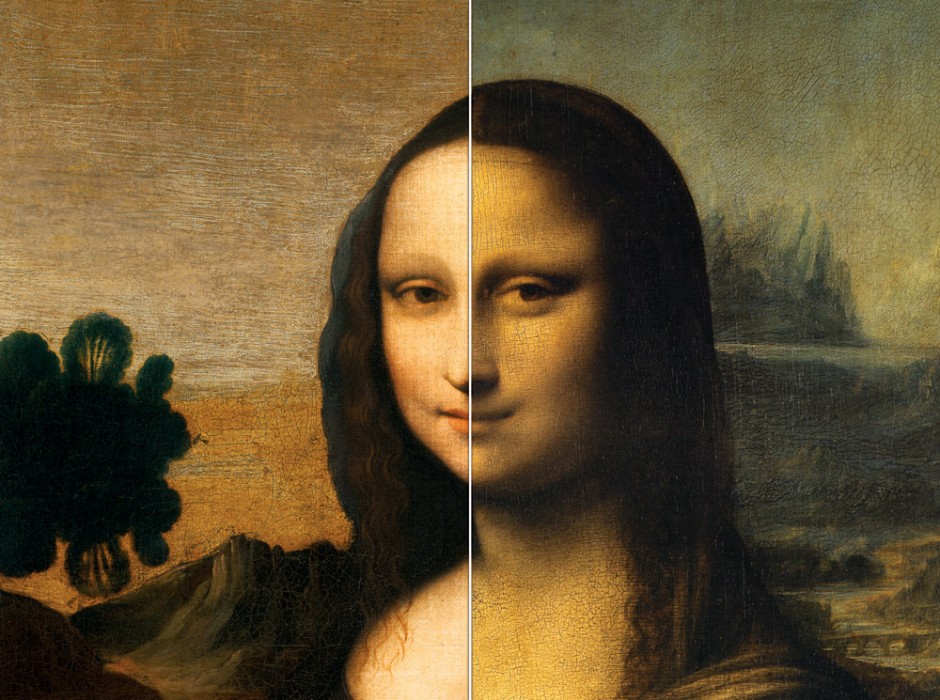
Museum curators spend millions of dollars every where to determine fake paintings from the real ones. Teaching curators to spot fake paintings and determine real stroke marks has always been a major challenge even with carbon dating. Utilizing computer vision to devise a method to compare painting stroke types or to perform some preliminary sweeps before a human will need to go in and look at the paintings, similar to applicant tracking systems and filtering resumes and cover letters before they are ever seen by a real person.
Some questions that needed to be answered were:
- Are there methods to infer what paint brush was used for a specific paint stroke?
- What is the best way to tell between two brush strokes with the exact same colour, and the exact same brush?
Starting with creating a pipeline to set up data base and data segmentation. Developing a dataset of paintings and individual paint strokes for comparison.
Multiple comparison scores are developed using OpenCV2. Colour matching, skeletoning, and texture detection are all run through the library to compare two paint strokes. Produced visual reports and comparison data to give an overall score on painting stroke types.
Skeletionization of stroke types using basic morphological operations
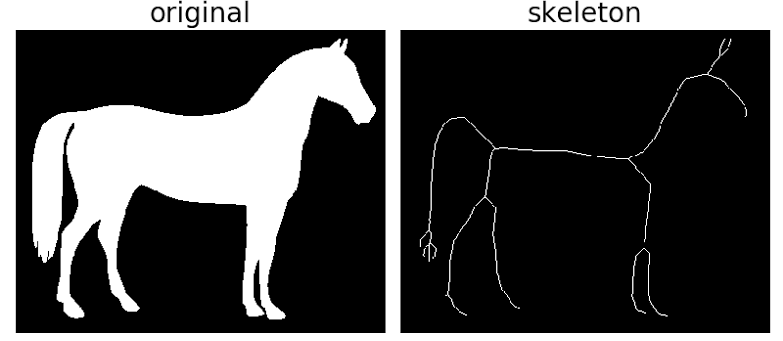
Performing thresholding, first converting an image to grayscale then into a binary image. Choosing a specific threshold, and pixels with values greater than the threshold will be white (255), and similar will be converted to black (0).
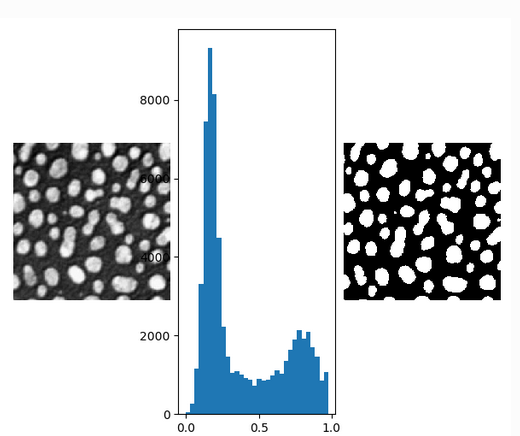
With thresholding only, there are parts of the image that might not be what we are looking for. In the example above notice that there are pixels between the cell images that we are not interested in. To remove these unwanted pixels, running basic morphological operations on the thresholded images.
Dilating and Erosion:
Dilating adds pixels to the boundaries of objects while erosion removes pixels on the object boundaries.
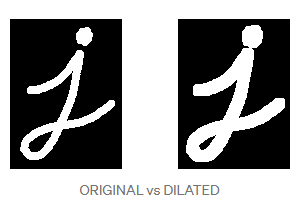
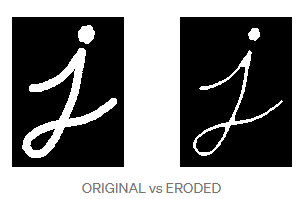
Performing simple morphological operations after thresholding to get skeletonized images of paint strokes. Then running comparison of the skeletonized images by pixel values to compare paint strokes.
This was one of the many techniques used to compare images. Multiple additional processes done to compare the strokes provided a numerical percentage value of likeness. The full repository is private for company usage but this was simply an example of the operatons completed.
Potential future work is the utilization of GANs to create and mimic the paintings, then have the algorithm compare between the original paining the GAN created painting.
Libraries:
Some of the tools required to make this project work:
OpenCV2 - An open source computer vision and machine learning software library.
Scikit-Learn - An open source Machine learning library in python used for data preprocessing, classification, regression, etc…
Jupyter Notebooks - web-based interactive development environment for notebooks, code, and data.